
When an incident happens, every minute matters. A near miss, equipment damage, or a hydraulic leak can quickly become a bigger risk if the issue is not reported, investigated, and followed up properly. When an incident happens, every minute matters. A near miss that goes unreported, or a fault that isn't followed up, can quickly become a bigger risk if the issue is not reported.
Incident management breaks down when it relies on paper forms, spreadsheets, emails, and disconnected systems. As information becomes scattered, accountability decreases, response times slow down, and important details get missed. Incident management system software is most often a necessity, where instead of reacting after the fact, teams can capture incidents in real time, assign actions immediately, and ensure every issue is tracked through to completion.
In this article, we’ll explore the features that separate superior incident management tools from systems that become another administrative burden, and why the right choice of platform can improve safety performance, compliance, and day-to-day operations. The article also covers what to look for in terms of functionality for each of the different features.
Key takeaways
- Outline of 10 must-have desirable features in an Incident Management System
- Paper forms, spreadsheets, and disconnected systems are the biggest reason incident management fails as information gets lost and response slows down.
- Mobile-first, real-time reporting prevents details from being forgotten or softened after the fact.
- Photo documentation and structured case management keep investigations grounded in evidence with a clear path to resolution.
- Linking corrective actions to maintenance systems closes the loop instead of just filing a report.
- Dashboards and trend analysis reveal patterns across sites and assets that no single report can show.
- Offline capability and system integrations (CMMS, safety, asset management) are essential for remote operations and unified visibility.
The 10 most important features
1. Mobile-first incident reporting
Paperwork is a liability and the longer it takes an employee to log an incident, the more details get lost or skipped entirely. Mobile reporting fixes this by letting people document what happened and where it happened, on their mobile devices.
Look for:
- Mobile and tablet support
- Quick incident creation
- Offline functionality
- QR-code or asset-linked reporting
- Simple reporting workflows
- Connected office dashboard with a mobile app
2. Photo documentation
“A picture is worth a thousand words”, where a written description only goes so far. A photo of the flagged issue or noted incident, can tell the rest of the story instantly, and gives technicians, auditors, and regulators something tangible to work with.
Look for:
- Photo attachments
- Multiple image uploads
- Image annotation tools
- Time and date stamps
- Evidence storage within incident records
3. Structured incident and case management
A report that isn’t actioned after submission isn't worth much. Especially across multiple sites, organizations need a defined path from "reported" to "resolved," so nothing stalls out or falls through the cracks. This is where digitized incident and case management tools will make a difference.
Look for:
- Investigation workflows
- Custom process templates
- Responsibility assignment
- Status tracking
- Due dates and escalation rules
4. Work order integration
Logging an incident is the starting point, but what matters is what happens next, and the best systems turn an incident report directly into a corrective action or work order, without anyone having to re-enter the same information in a separate system.
Look for:
- Automatic work order generation from incident reports
- Task assignment and ownership
- Integration with your maintenance system
- Follow-up tracking and deadline management
- Closure verification with confirmation that tasks are completed
5. Root cause analysis tools
Knowing what happened isn't the same as knowing why. A conveyor belt that keeps failing may not be a belt problem, but a loading point issue, a training gap, or a maintenance routine that's never quite been followed. Root cause tools push past the surface event to understand the actual cause, so the same incident doesn't repeat itself three months later.
Look for:
- Built-in ‘5 Why’ methodology to get to root cause, not just symptoms
- Risk assessments integrated into the investigation workflow
- Recurring issue identification across sites, shifts, or asset types
- Corrective and preventive actions linked directly to findings
- Historical incident data to spot patterns before they become a trend
6. Customizable forms and reporting templates
Incidents should be reported with as much detail as possible and the framework around that reporting needs to be consistent. If every site captures different information, in a different format, the data you collect becomes hard to compare, difficult to act on, and almost impossible to report against. The right platform lets you set the structure with the questions, the required fields, the risk scoring, so that what comes in from a quarry in Yorkshire and a plant in Texas can be read, compared, and acted on in the same way.
Look for:
- Standardised incident report templates across all sites
- Mandatory fields that ensure nothing critical gets missed
- Custom fields to capture site or sector-specific detail
- Risk scoring built into the form, not added afterwards
- Flexible form builder so templates can evolve as your processes do
7. Audit trails and compliance ready
When the auditor shows up, a solid audit trail shows exactly what was reported, who acted on it, and when, turning compliance reviews into a well-prepared formality.
Look for:
- Activity logs
- User tracking
- Timestamped actions
- Digital signatures
- Document retention controls
8. Dashboards and trend analysis
One incident report tells you what went wrong once. A hundred incident reports, captured consistently from the frontline and pulled into a single dashboard, tell you which assets are generating the most issues, which sites have recurring near-misses, and where corrective actions are being closed out and where they're stalling. That kind of visibility only emerges when frontline findings are structured the same way across every site and every shift. Without it, patterns stay hidden until they become serious problems.
Look for:
- Incident trend reporting across sites and time periods
- Near-miss frequency tracking by asset, site, or shift
- Open corrective action monitoring - what's been assigned and what's overdue
- Site and asset-level performance comparisons
- Exportable reports for management review and regulatory reporting
9. Offline capability for remote areas
Offline functionality means a dead zone doesn't mean a delayed report; employees keep working, data keeps getting captured, and everything syncs up the moment a signal returns.
Look for:
- Offline mode functionality
- Local data storage
- Automatic synchronization
- Mobile device support
- Reliable data recovery
10. Integration with Maintenance, Safety, and Operations Systems
Incidents very rarely live in a silo and has dependencies which cut across departments and areas of responsibilities. Connecting incident data to maintenance, training, and compliance systems cuts gives you one unified picture of how operations are running and where there are process gaps.
Look for:
- API integrations
- CMMS connectivity
- Asset management integration
- Safety system integration
- Business intelligence reporting
Improve Incident Management with CheckProof
Industrial operations need a platform that connects incidents, inspections, maintenance, and corrective actions, and not simply a standalone reporting tool.
CheckProof’s platform is purpose-built for heavy industries like quarries, mines, ready-mix plants, trucking fleets, and industrial production sites. Teams report incidents straight from the field, attach photos, assign actions, link issues to specific assets, and track everything through to completion. It's a system that pushes accountability, tightens compliance, and cuts down on the same incidents happening twice.
For operations looking to bring safety, maintenance, and day-to-day operations into one workflow, CheckProof is built around how the industry actually works.
FAQ – Incident Reporting System Software
Want to know what CheckProof can do for you?
CheckProof's easy-to-use app makes it easier to do the right thing at the right time. Discover how you can run world-class maintenance that is both cost-effective and sustainable.
Book a demo

2026-07-10
10 Must-Have Features for an Incident Management Platform in the Heavy Industry
When an incident happens, every minute matters. A near miss, equipment damage, or a hydraulic leak can quickly become a bigger risk if the issue is not reported, investigated, and followed up properly. When an incident happens, every minute matters. A near miss that goes unreported, or a fault that isn’t followed up, can quickly become a bigger risk if the issue is not reported.

2026-07-09
The Benefits of a Quarry Crusher Management Software
Paper forms, scattered systems, and knowledge locked in one person’s head all delay the same thing: catching crusher problems before they become breakdowns. This piece covers the four biggest challenges in crusher operations and how CheckProof brings inspections, maintenance, and issue tracking into one place.

2026-07-06
Hillhead 2026 – The CheckProof Report
Hillhead 2026 broke every record with 627 exhibitors and three days packed with electric machinery, connected intelligence, and sustainable innovation. CheckProof was on the ground as an exhibitor and sponsor — here’s what our team took away from the show floor.

2026-06-12
Brice Aggregates: What Operational Excellence Looks Like at a Needingworth Quarry
The inaugural CheckProof Industry Excellence Award winners on going digital from the ground up, and the moment their frontline teams bought in.
2026-05-07
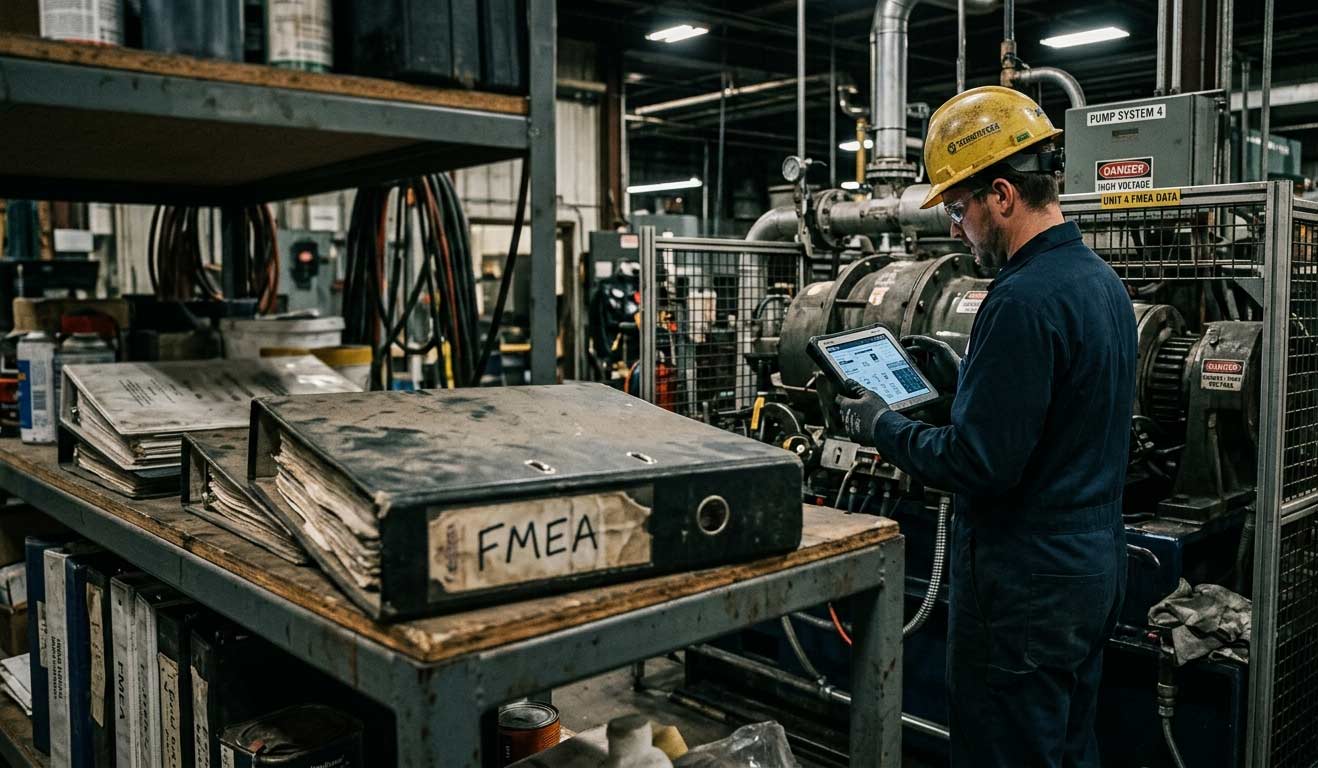
Why Your FMEA Is Sitting in a Binder (And What It Should Be Doing Instead)
Most facilities have an FMEA — but it’s collecting dust in a binder instead of driving decisions on the floor. Here’s how to turn your risk analysis into a living tool that actually protects uptime.

2026-04-24
CMMS Features and Functionality: What to Look for in a Maintenance Management System
Not all CMMS (Computerized Maintenance Management System) platforms are built the same, and in industries like quarrying, aggregates, cement, and ready-mix concrete, there are certain capabilities that carry more weight than others. The CMMS features that matter most for maintenance teams in asset-intensive industries include things such as centralized asset data, work order automation, preventive and predictive scheduling, digital checklists, deviation management, fleet optimization, and mobile-first design with offline capability.

2026-04-24
Cement Plant Inspection Checklist: What to Check, When to Check It, and Why It Fails
Most unplanned shutdowns in a cement plant don’t come out of nowhere. There’s usually a trail beforehand. Maybe a kiln bearing that’s been running 15 degrees above baseline for three weeks, noted by the operator on shift but never formally flagged because it hadn’t tripped an alarm yet. The issue isn’t a lack of warning, its that small deviations are often tolerated until they tip over into something serious.

2026-04-01
How to Choose the Right Work Order App for Your Industry
When something breaks on site, the fix gets most of the attention, but it’s rarely where things go wrong. What’s just as critical is everything around it: who reported it, who picked it up, what got missed between shifts, and how long it sat before anyone acted. In many operations, that whole flow is still held together by paper forms, radio calls, and memory.

2026-04-01
Best Practices for Work Order Management
Efficient maintenance starts with clear work orders. When issues are logged quickly with the right details, photos, and priority, teams spend less time chasing information and more time fixing problems. The result is reduced downtime, smoother shift handovers, and audit-ready operations — even in low-signal or harsh environments where mobile work orders let crews flag issues before they escalate.

2026-03-26
How DAY Group went paperless and transformed maintenance operations with CheckProof
DAY Group Ltd is an independent, family-owned business supplying construction materials and services across the south of England since 1947. Handling over five million tonnes of material annually across divisions including Day Aggregates, Day Glass Recycling, Day Contracting, and Day Equestrian — plus recycling operations processing over 1.5 million tonnes a year — the group operates with close to 200 staff and a large fleet of plant equipment, making uptime, compliance and safety mission-critical.


