
Author
Anju Khanna Saggi
Content & Media Relations
Published: 2025-12-17
Last updated: 2026-09-28
A nonconformity (NC) is any deviation from an expected standard, whether that's a safety procedure, quality spec, or operating condition. Most NCs are routine: a safety guard left open, a machine leaking oil, a batch that doesn't meet quality standards, or a safety check that gets skipped. These are issues you correct quickly to stay compliant and keep production moving. But not every issue should be closed out and forgotten.
When the same problem shows up across shifts, sites, or equipment, it signals something deeper: a pattern that’s costing uptime, creating risk exposure, or putting audit readiness at risk. A quick fix won't stop it from recurring. That’s where CAPA (Corrective and Preventive Actions) is needed. This understanding - knowing what’s a simple NC and what deserves a full CAPA - ensures teams address the most critical issues, reduce unnecessary downtime, and improve overall process consistency. In this article, we’ll go over the difference between the two, and when a nonconformity issue needs a full CAPA.
Key takeaways
- A nonconformity (NC) is any failure to meet a requirement, standard, procedure, or specification.
- Isolated issues can often be corrected immediately, but recurring or high-risk problems may require a CAPA.
- An NCR (Nonconformity Report) records the nonconformity, while CAPA investigates its cause and prevents recurrence.
- Centralized deviation management improves accountability, audit readiness, and operational reliability.
What is a Nonconformity?
A nonconformity is anything that does not meet an expected requirement, standard, procedure, or specification. It can appear in quality, safety, maintenance, environmental management, or everyday operations. A skipped inspection, an unsecured machine guard, incomplete documentation, or a batch produced outside its approved limits could all be recorded as nonconformities.
Not every nonconformity has the same cause or level of risk. Some are isolated problems that can be corrected immediately, while others point to a recurring weakness in equipment, training, procedures, or management. Recording each issue creates a clear history and helps teams see when a simple deviation is becoming part of a larger pattern.
What does NC mean in an Audit?
If you’ve ever come across the abbreviation “NC,” the NC meaning in an audit is usually “nonconformity.” It means the auditor has found evidence that a process, record, product, or working practice does not meet a stated requirement. The finding is documented so the organization can correct the issue, investigate its cause where necessary, and show that the required action has been completed.
Difference between a Nonconformity Issue and a CAPA Issue
A nonconformity issue is a single deviation from the expected standard. It is something that can be corrected quickly without needing to dig into why it happened. Think of a missing bolt-on guard or a batch result that drifts slightly off spec. You fix the condition, record it, and the job keeps moving.
A CAPA issue is different. It’s what you open when the deviation isn’t a one-off anymore. Maybe the guard keeps coming loose every week, or you’ve had three similar quality hits in a month, or the same truck faults show up across the fleet. At that point, the problem isn’t the symptom, it’s the pattern. A CAPA issue means you need to find the root cause, assign clear actions, and verify that the fix holds.
In short:
- Nonconformity = correct the deviation.
- CAPA = understand the cause and prevent the repeat.
The differences between NCR vs. CAPA Reports
An NCR, or Nonconformity Report, records a specific failure to meet a requirement. It describes what happened, where and when it was found, which requirement was not met, and what was done to correct the immediate issue. An NCR creates a traceable record, but it does not always require a full root cause investigation.
A CAPA report goes further. It documents the investigation into why the issue occurred, the corrective action taken to remove its cause, and any preventive action introduced to stop similar problems elsewhere. It should also assign responsibility, set deadlines, and explain how the business will verify that the actions worked.
The difference between NCR and CAPA comes down to purpose:
- An NCR records and corrects a nonconformity
- A CAPA investigates the cause and prevents recurrence
- An isolated, low-risk NCR may be closed after correction
- A serious or recurring NCR may need to be escalated into a CAPA
For example, an NCR may record that a conveyor guard was left unsecured and confirm that it was fixed. If the same problem keeps returning, a CAPA would examine why and introduce a longer-term solution.
Examples of Nonconformities you should fix immediately
Nonconformities can appear at shifts and be handled on the spot. These are the simple misses or defects that don’t require investigation, just a quick correction to stay compliant and keep production flowing. While each of these issues matters, they’re one-off deviations. You correct them, log them, and continue the shift without triggering a CAPA, in other words: they do not need to be overanalyzed at this point.
Some examples include:
- A conveyor guard not secured after a cleanout.
- A haul truck with a backup alarm that isn’t sounding.
- A batch that slips slightly out of spec and needs a quick adjustment.
- A loader with a frayed hydraulic hose spotted during a workplace exam.
- A fire extinguisher not returned to its mount after maintenance work.
When a Nonconformity becomes a CAPA Candidate
When the same type of issue keeps showing up, or the risk tied to it is too high to ignore, it crosses over into CAPA territory. That’s when you shift from fixing the symptom to understanding the cause. A nonconformity becomes a CAPA candidate when:
- The same failure repeats across shifts or equipment. If you’re replacing the same belt, bearing, or sensor multiple times in a short window, the root problem is upstream.
- Similar issues appear across the fleet or multiple sites. Backup alarms failing on several trucks, or identical quality deviations popping up at sister plants, can point to vendor problems, training gaps, or outdated procedures.
- The deviation creates significant safety or compliance exposure. Anything tied to lockout/tagout, guarding, environmental limits, or critical machine functions may require deeper action even if it’s the first time you’ve seen it.
- The fix isn’t sticking. If teams keep correcting the same condition and it keeps coming back, you need to examine the process for how inspections are done, how components are installed, or how work instructions are followed.
How to get Deviation Management under control
Effective deviation management starts by making it easy to capture, track, and close every issue – from minor non-conformities to full corrective actions. Plants and fleets see dozens of deviations every day, and most of them are corrected quickly. But without a clear system to manage what was found, what was fixed, and what keeps coming back, patterns can easily be missed, and repeat failures become routine.
Effective deviation management means building one clean workflow for everything that matters:
- Log deviations the moment they’re found, whether it’s a loose guard, an out-of-spec batch, or a recurring alarm fault.
- Assign and track corrective and preventive actions so nothing stalls between shifts or departments.
- Escalate to CAPA when issues start repeating or the risk is too high to ignore.
- Verify the fix, closing the loop with photos, notes, or sign-off from a supervisor.
- Keep a traceable record that stands up to audits and gives leaders real visibility into what’s happening around the site.
This level of control isn’t possible with scattered spreadsheets, paper forms, or text-message chains. Teams need a single, field-friendly tool that handles inspections, deviations, nonconformity documentation, and CAPA in one place. Something that fits the pace of real operations. When deviation management is centralized and simple, issues stop slipping through the cracks. Crews stay aligned. Patterns surface early. And the operation gains the one thing every site fights for: fewer surprises and more steady, predictable uptime.
FAQ
Want to know what CheckProof can do for you?
CheckProof's easy-to-use app makes it easier to do the right thing at the right time. Discover how you can run world-class maintenance that is both cost-effective and sustainable.
Book a demo
2026-09-29
The AggNexus 2026 Report: Highlights from the Digital Innovation Conference
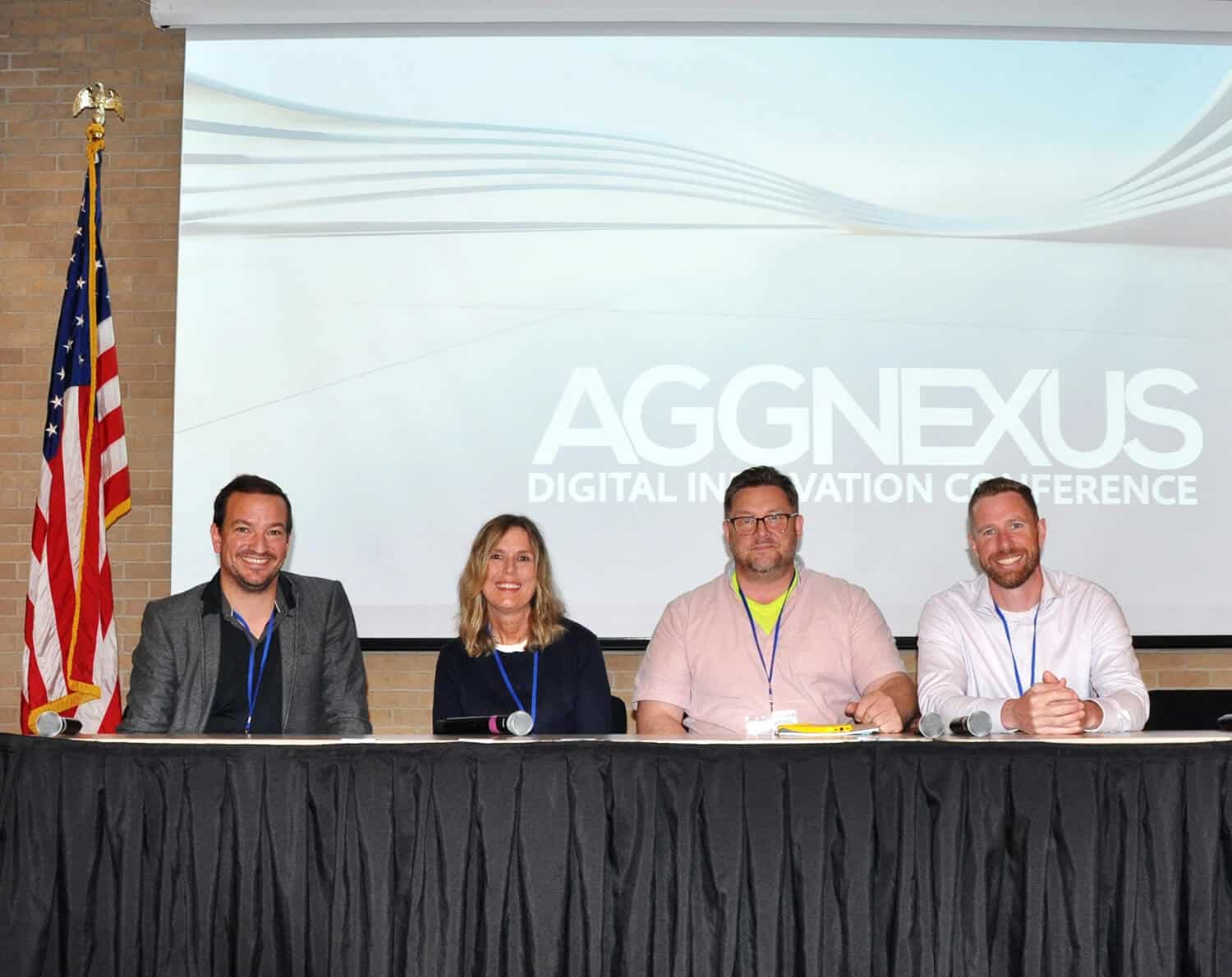
AggNexus 2026 in Austin was the biggest edition yet. After a year of AI first steps, the focus shifted to how to get people to change. Here are CheckProof’s key takeaways on change management, fast-moving AI, compliance and passing on know-how.

2026-09-24
Stärkere Basis: Rohrdorfer verbessert durch Digitalisierung Sicherheit und Effizienz
Rohrdorfer, ein führendes Baustoffunternehmen in fünf Ländern, nutzt CheckProof seit Jahren für Sicherheit, Wartung und Qualität. Das stärkt den eigenen Betrieb und die Kundenorientierung.

2026-07-10
10 Must-Have Features for an Incident Management Platform in the Heavy Industry
When an incident happens, every minute matters. A near miss, equipment damage, or a hydraulic leak can quickly become a bigger risk if the issue is not reported, investigated, and followed up properly. When an incident happens, every minute matters. A near miss that goes unreported, or a fault that isn’t followed up, can quickly become a bigger risk if the issue is not reported.

2026-07-09
The Benefits of a Quarry Crusher Management Software
Paper forms, scattered systems, and knowledge locked in one person’s head all delay the same thing: catching crusher problems before they become breakdowns. This piece covers the four biggest challenges in crusher operations and how CheckProof brings inspections, maintenance, and issue tracking into one place.

2026-07-06
Hillhead 2026 – The CheckProof Report
Hillhead 2026 broke every record with 627 exhibitors and three days packed with electric machinery, connected intelligence, and sustainable innovation. CheckProof was on the ground as an exhibitor and sponsor — here’s what our team took away from the show floor.

2026-06-12
Brice Aggregates: What Operational Excellence Looks Like at a Needingworth Quarry
The inaugural CheckProof Industry Excellence Award winners on going digital from the ground up, and the moment their frontline teams bought in.
2026-05-07
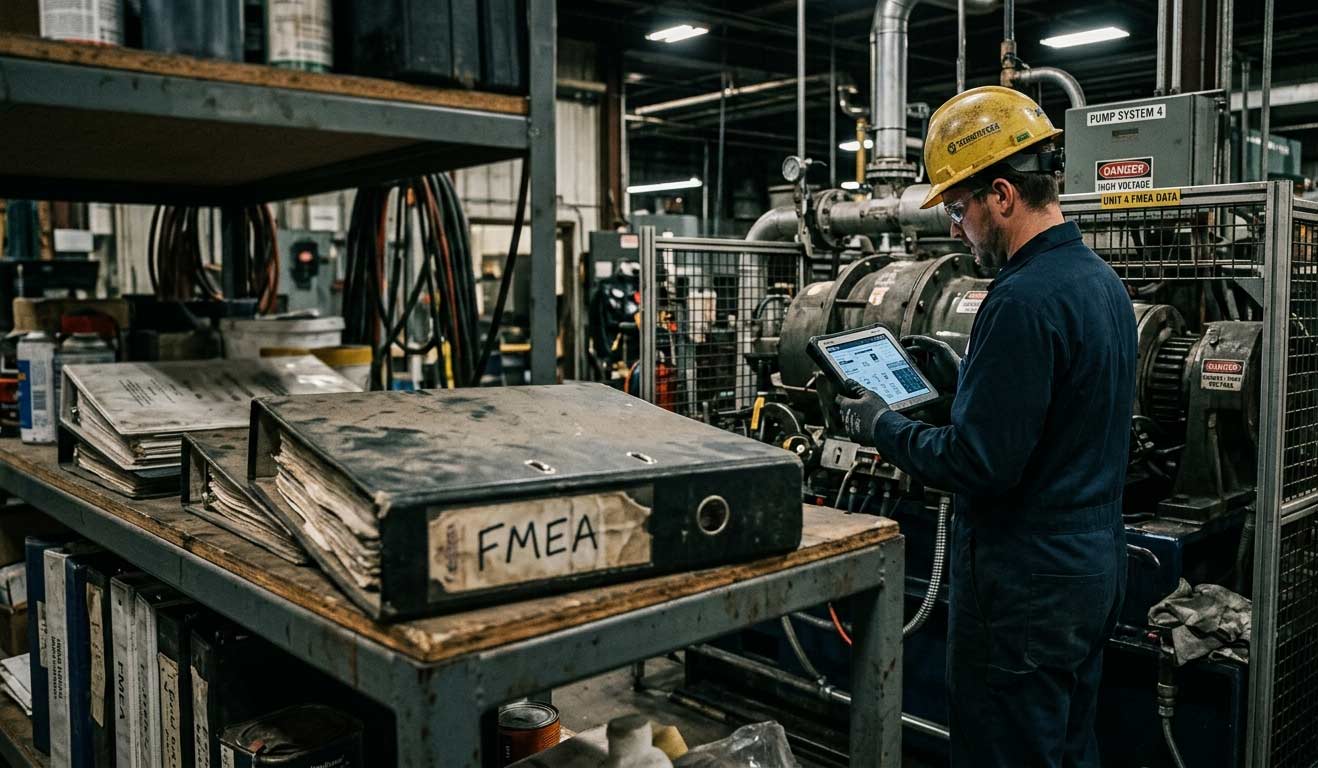
Why Your FMEA Is Sitting in a Binder (And What It Should Be Doing Instead)
Most facilities have an FMEA — but it’s collecting dust in a binder instead of driving decisions on the floor. Here’s how to turn your risk analysis into a living tool that actually protects uptime.

2026-04-24
CMMS Features and Functionality: What to Look for in a Maintenance Management System
Not all CMMS (Computerized Maintenance Management System) platforms are built the same, and in industries like quarrying, aggregates, cement, and ready-mix concrete, there are certain capabilities that carry more weight than others. The CMMS features that matter most for maintenance teams in asset-intensive industries include things such as centralized asset data, work order automation, preventive and predictive scheduling, digital checklists, deviation management, fleet optimization, and mobile-first design with offline capability.

2026-04-24
Cement Plant Inspection Checklist: What to Check, When to Check It, and Why It Fails
Most unplanned shutdowns in a cement plant don’t come out of nowhere. There’s usually a trail beforehand. Maybe a kiln bearing that’s been running 15 degrees above baseline for three weeks, noted by the operator on shift but never formally flagged because it hadn’t tripped an alarm yet. The issue isn’t a lack of warning, its that small deviations are often tolerated until they tip over into something serious.

2026-04-01
How to Choose the Right Work Order App for Your Industry
When something breaks on site, the fix gets most of the attention, but it’s rarely where things go wrong. What’s just as critical is everything around it: who reported it, who picked it up, what got missed between shifts, and how long it sat before anyone acted. In many operations, that whole flow is still held together by paper forms, radio calls, and memory.